

Annoto Dashboard Canvas App
This document shows how to add and use Annoto Dashboard as an external tool Canvas App Center.
Adding the Annoto Dashboard App
Open Settings
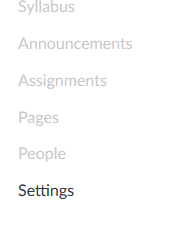
In Course Navigation, click the Settings link.
Open Apps

Click the Apps tab.
Search for Annoto Dashboard:
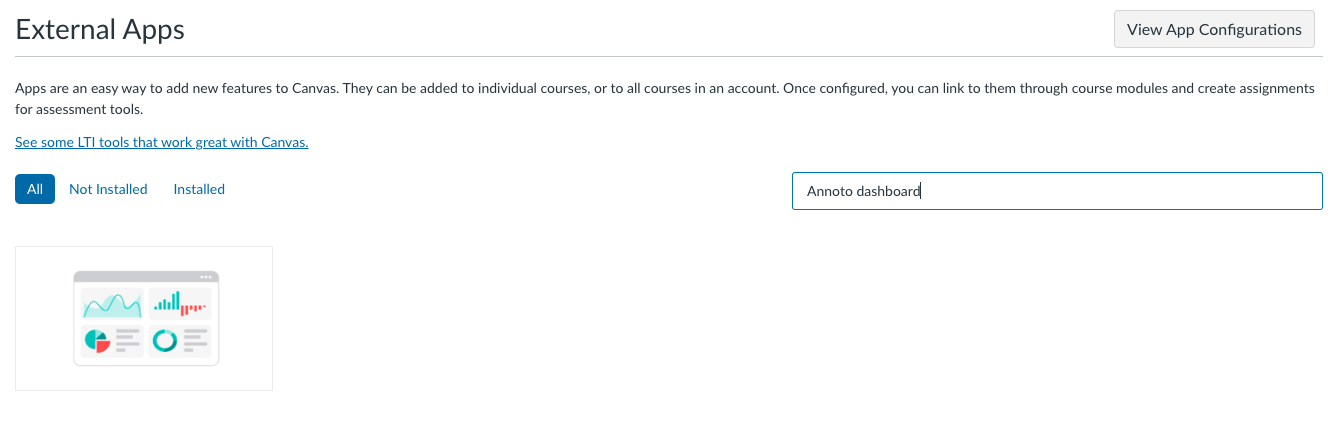
Click on the Annoto Dashboard App
Note: there are two apps one for EU region and one for US region, contact support if you not sure which you should use
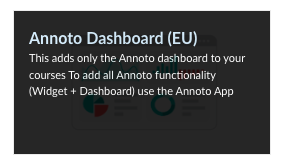
Click the +Add App button.
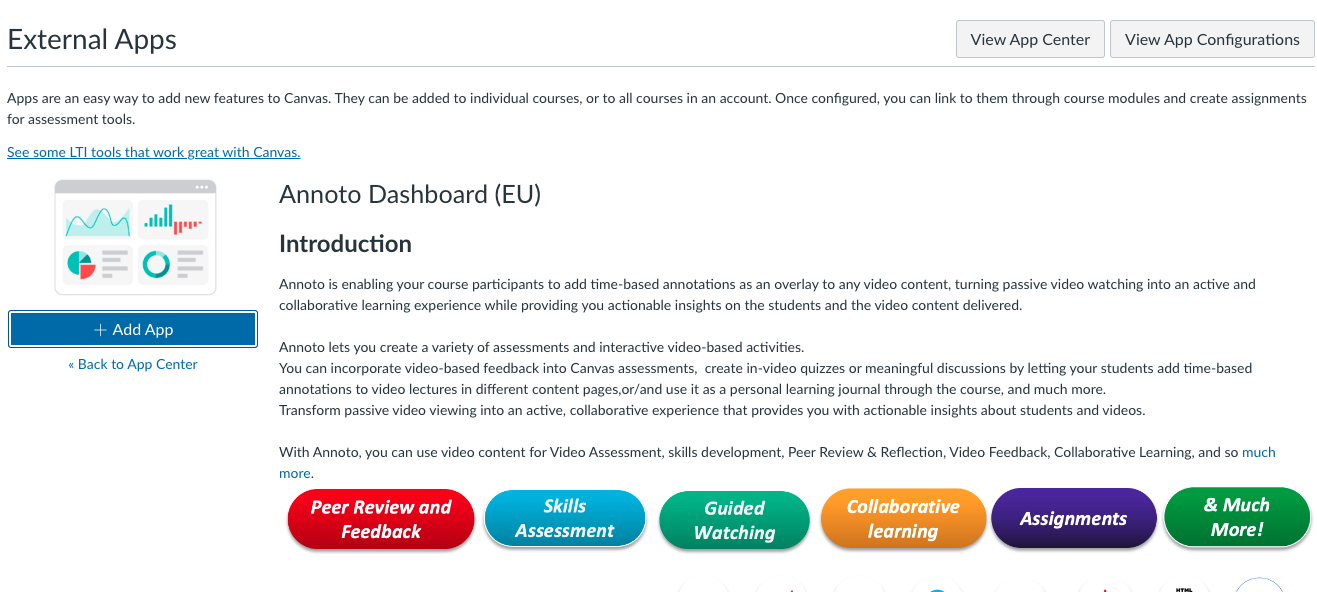
Add App Details
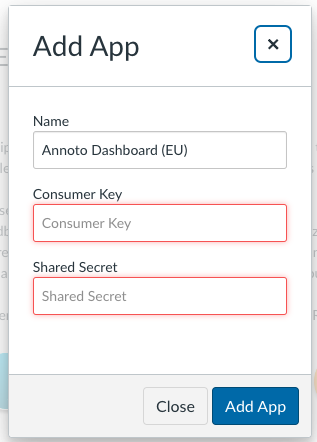
Enter the name of the app in the Name field [1] : Annoto Dashboard
Enter the consumer key in the Consumer Key field [2] and the shared secret in the Shared Secret field [3].
This key and shared secret is provided by Annoto, If you do not have this information, please contact us support@annoto.net
Add App
Testing the Annoto Dashboard Direct Integration to Canvas:
Go to this page How to access Annoto Dashboard.
Support
If you need any additional information or have any questions, please contact us at Annoto Support
Last but not least
In order to learn more about all the wonderful things you can do with Annoto, visit the Annoto Widget Guide page.