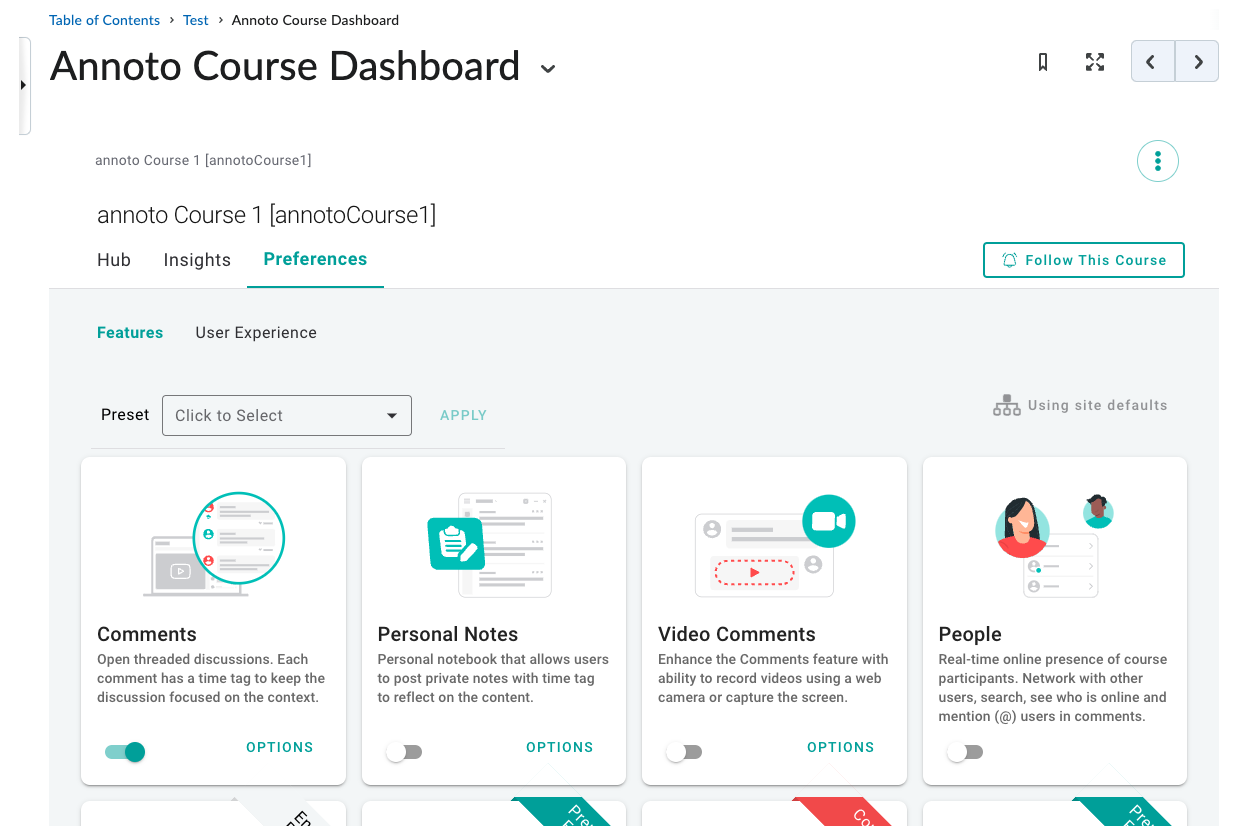
How to Add Annoto Course Dashboard as an Existing Activity
If you prefer not to have the Annoto course dashboard in the Course NavBar, you can choose this alternative option.
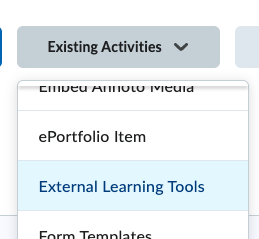
Click on adding "Existing Activities"
Then click on "External Learning Tools"
Click on the "Annoto Dashboard" LTI Link

Click on the activity setting and click "Hide from Users"
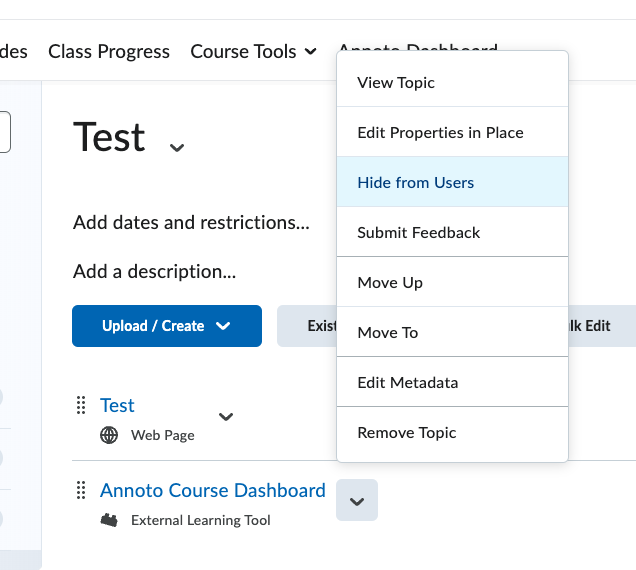
Click on the "Annoto Dashboard" activity