

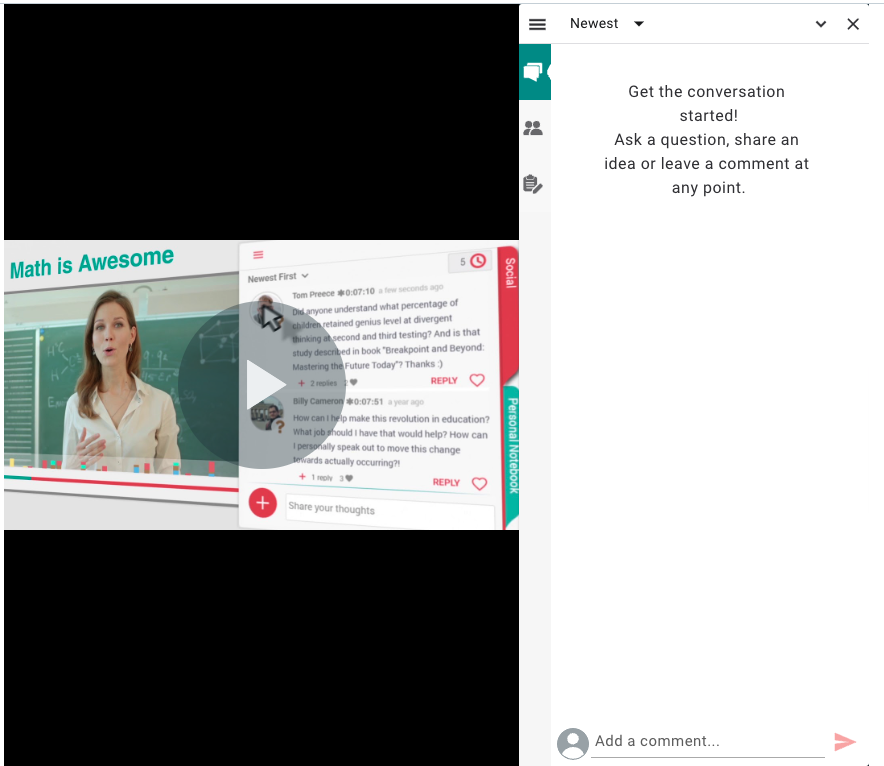
Using Annoto in-video collaboration widget
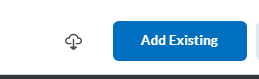
To add Annoto to a unit click on “Add Existing”
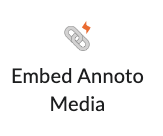
Click on the "Embed Annoto Media":
Add a video source
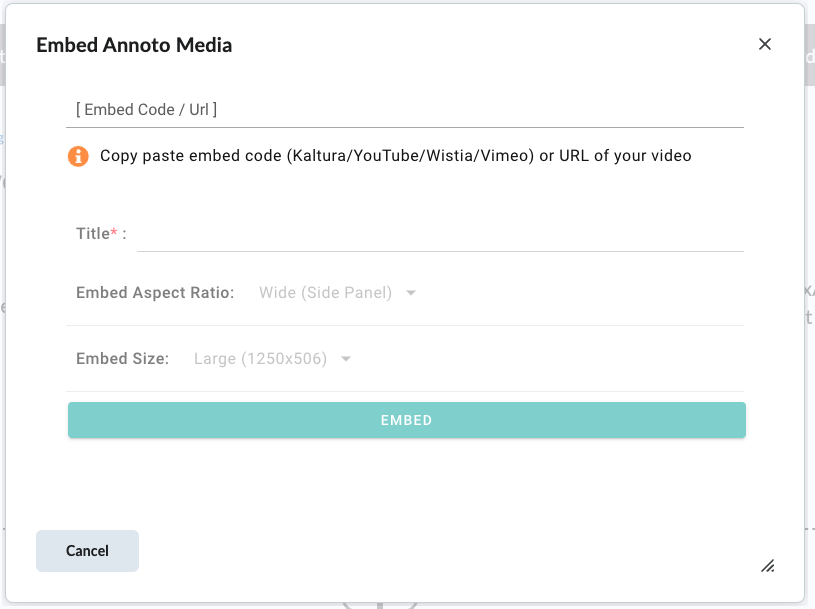
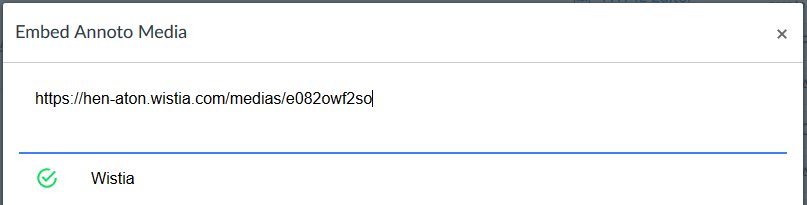
Copy paste embed code or url of your video.
Set a Title

Click on "Embed"
If you need any additional information or have any questions, please contact us at Annoto Support, or visit our online documentation website: Introduction to Annoto: AI-Powered Learning Design Platform