

Embed Annoto media
Adding a video with Annoto
Navigate to the area where you want to embed media, such as Pages, Announcements, Discussions, or Assignments.
Click the button to create a new activity.
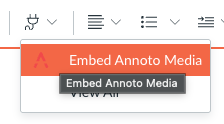
The rich-text editor opens.In the content section, click the Applications icon:


4. Choose Embed Annoto Media
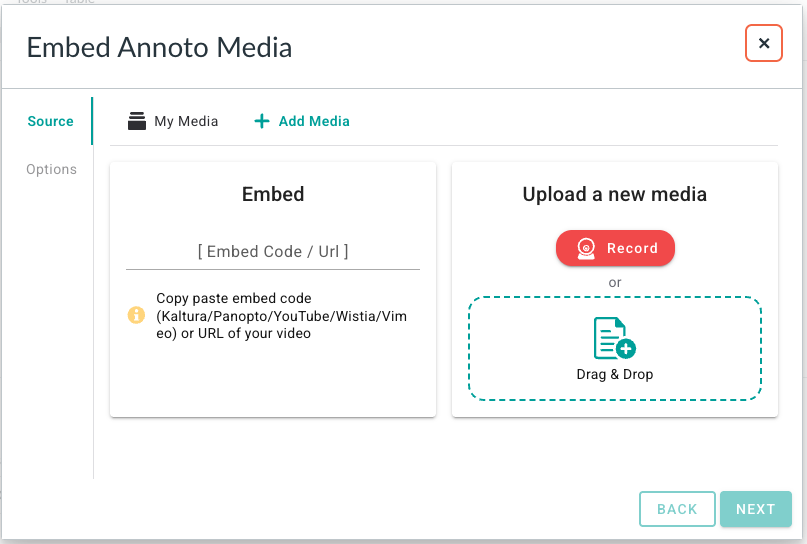
5. In the Embed Annoto Media window, Upload/Record or add the URL (in [Embed Code\ URL]):
6. Add the video title.
If you want – you can set the embed aspect ratio and the embed size: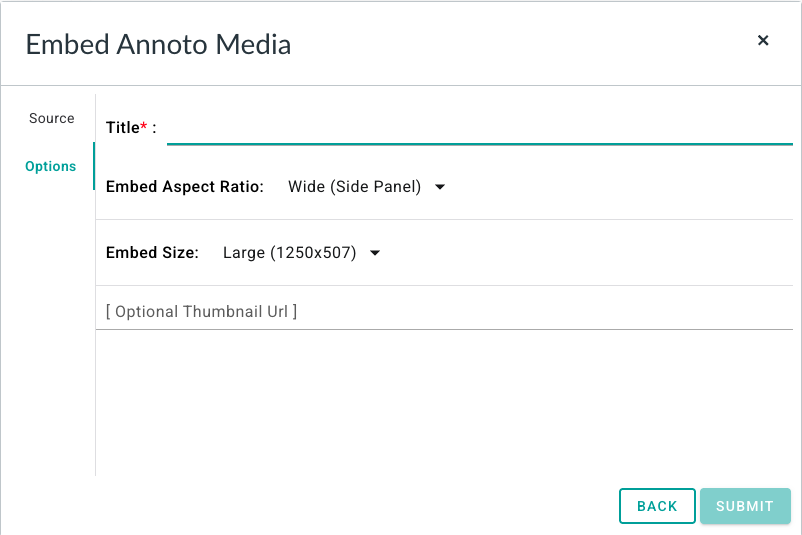
7. Click SUBMIT
8. Save the activity
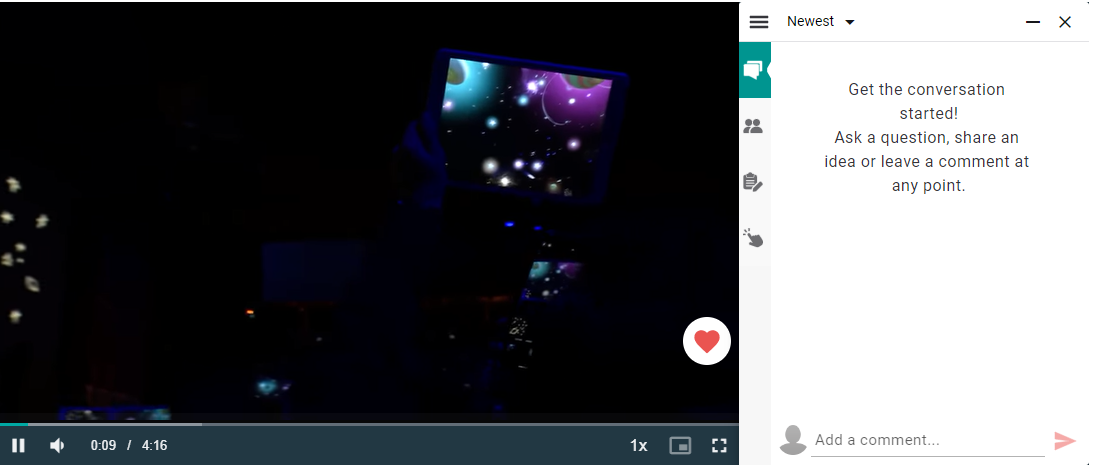
The video will load using the default Annoto course preferences. Want to make changes? Click here to learn more.