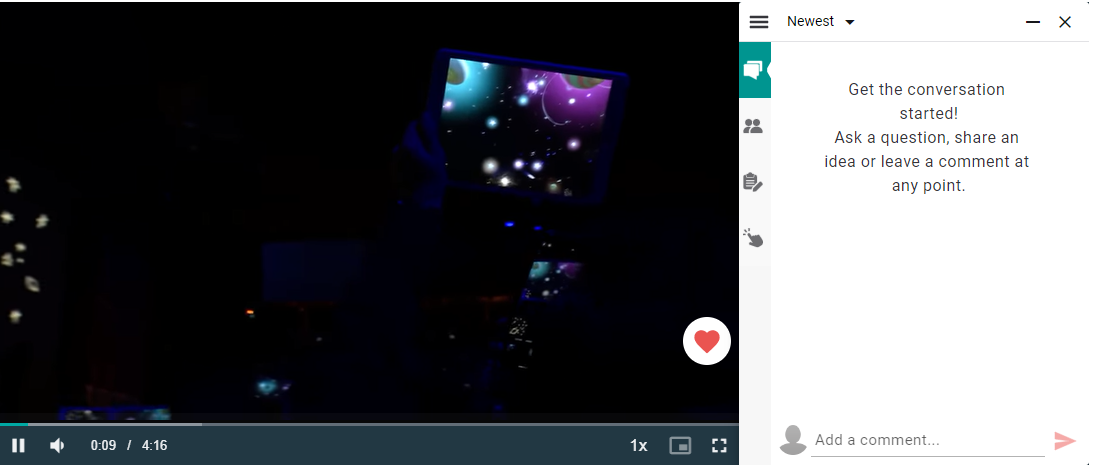
Embed Annoto media
Adding a video with Annoto
In order to use Annoto in a video within your Brightspace (D2L):
1. Under Content tab: Click "Add Existing":
2. Choose: "Annoto Quicklink":
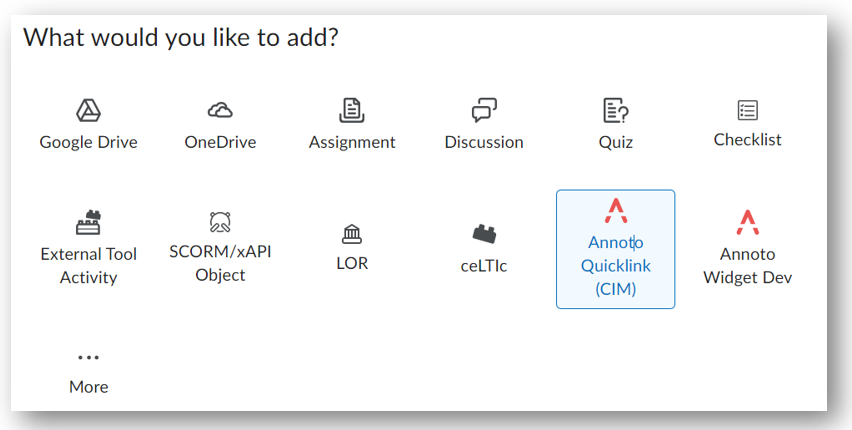
Illustration: D2L activities, Annoto Quicklink marked
In the Embed Annoto Quicklink window, add the URL (in [Embed Code\ URL]):
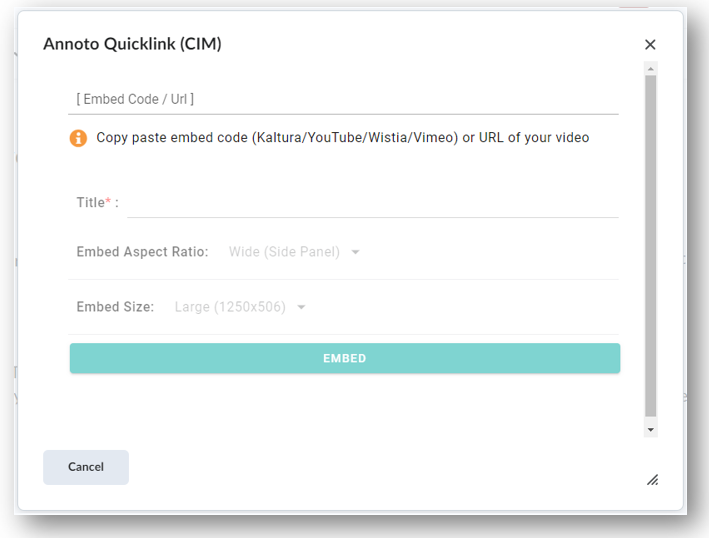
Illustration: Embed Annoto Quicklink window
4. Add the video title.
If you want – you can set the embed aspect ratio and the embed size: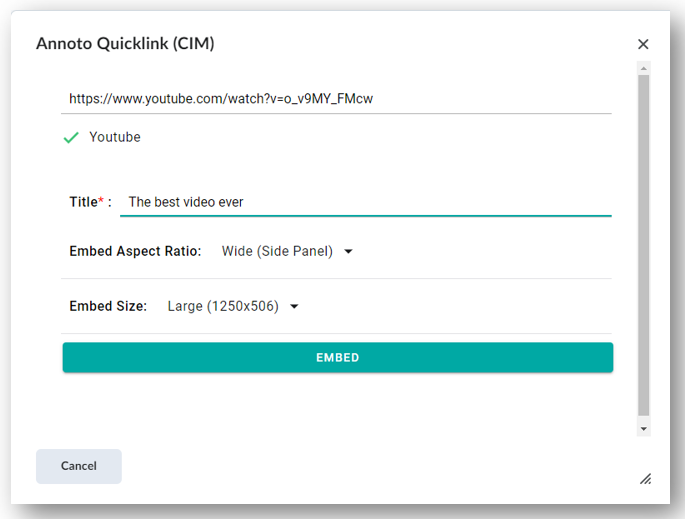
Illustration: Embed Annoto Quicklink window. Link and title added
5. Click Embed
6. Annoto will be automatically added to the video