

Accessing Annoto Dashboard
You can access the Annoto Dashboard in two ways:
From the Course Level
From the Video view
Accessing Annoto Dashboard from the Course Level
You can access the Annoto Insights Dashboard directly from the Brightspace (D2L) navigation bar:
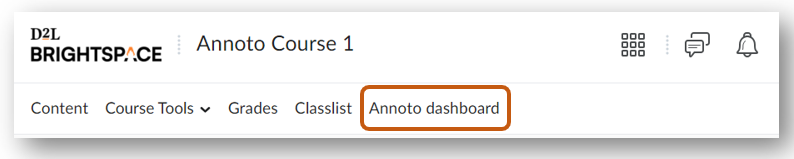
Illustration: Annoto Insights dashboard access from Brightspace (D2L) navigation bar
The Annoto Insights Dashboard is displayed.
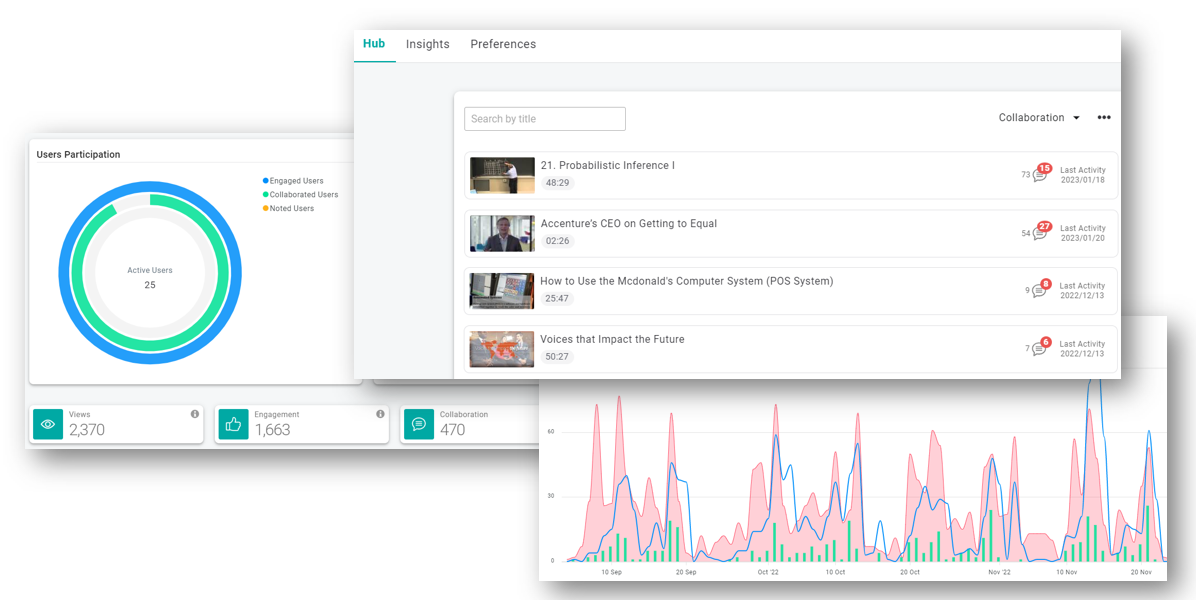
Illustration: Annoto Analytics
Do not have Annoto Dashboard in the NavBar?
How to add Annoto Course Dashboard to the NavBar
Accessing Annoto Dashboard from the Video view
Go to one of the video where you have Annoto.
Based on your organization setting, you will have one of the following two options:
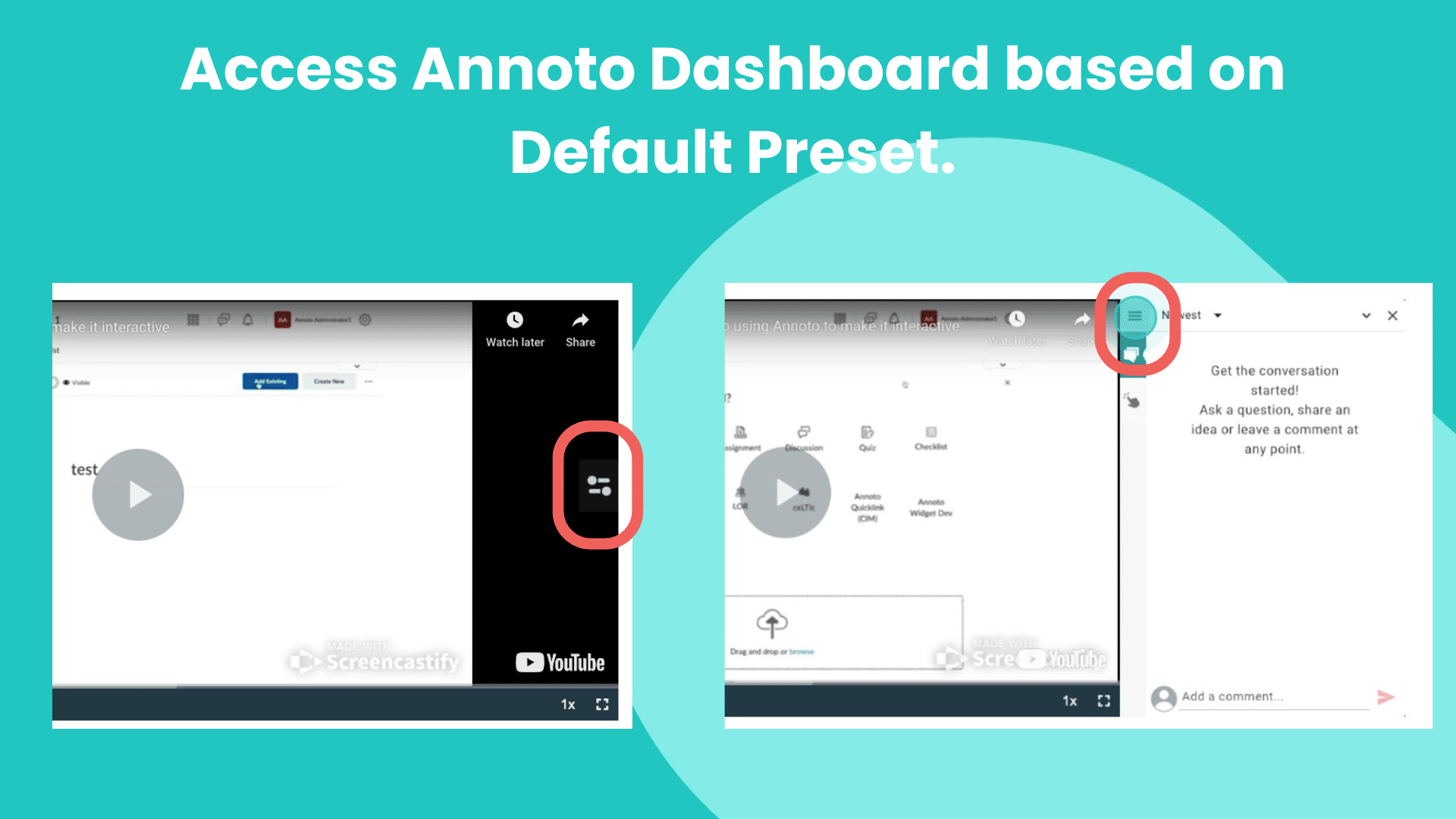
After clicking the Icon
 , you will see Annoto Dashboard launch
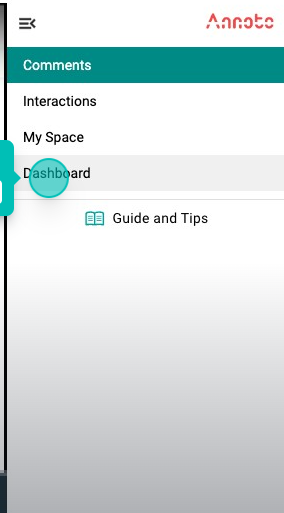
If you click on the menu
 , you should then click on the Annoto Dashboard:
Click here to learn about the amazing analytics the dashboard provides and all the insights that can be gained from them.